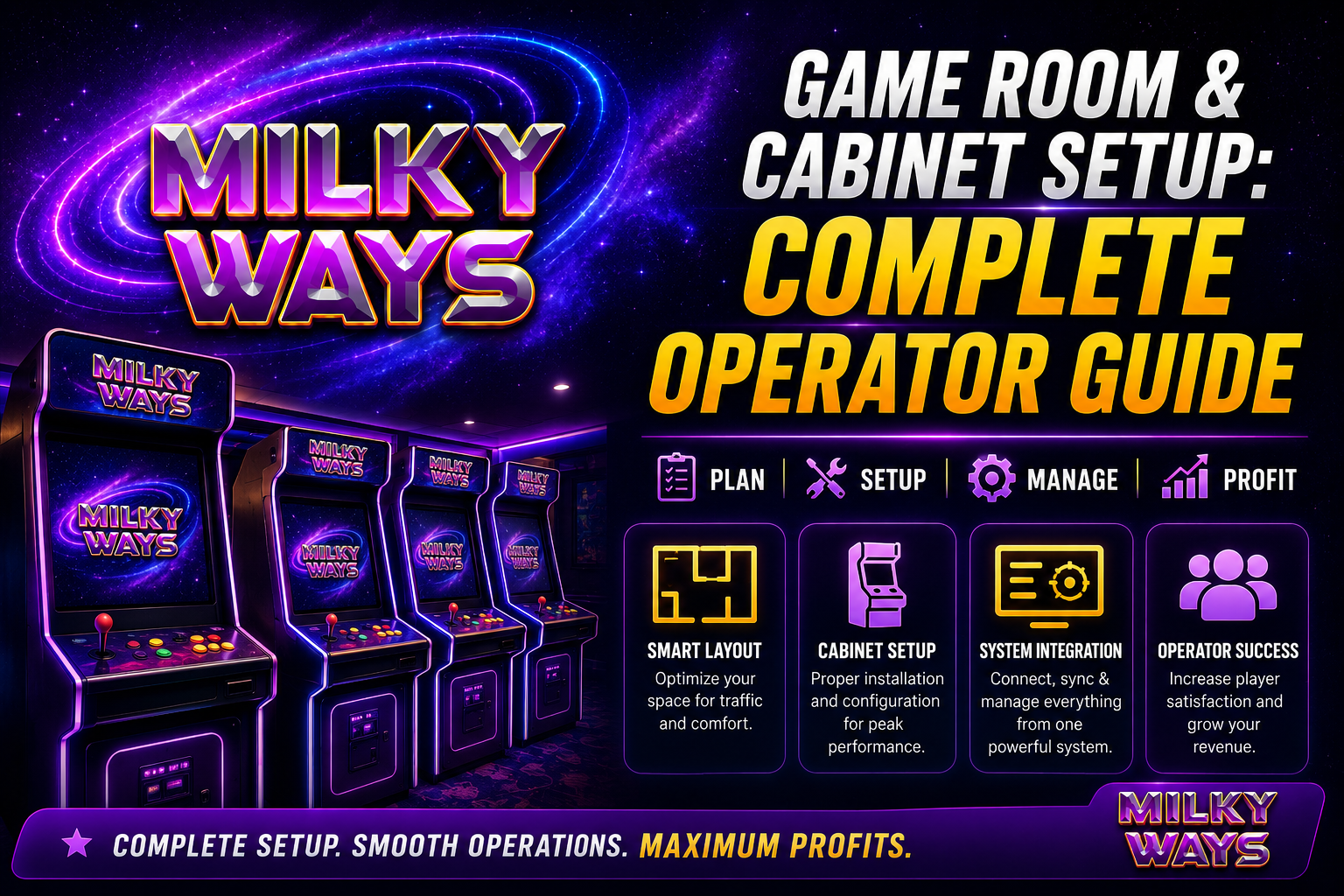
If you’re planning a milky way gaming cabinet setup, there’s more to it than unboxing a few cabinets and plugging them in. You need a real plan for space, hardware, software, licensing, and the day-to-day work of running a location. This milky way game room operator guide is meant to walk you through that process step by step, whether you’re a distributor, an agent, a sub-agent, or someone opening your very first room.
The good news is that none of this is a mystery. Operators have been figuring out what works and what doesn’t for years, and a lot of that knowledge has settled into a fairly predictable pattern. Platforms like Fire Kirin have been part of that learning curve too, and the lessons from rooms that succeeded apply just as much to a new Milky Way location as they did the first time around.
Why This Guide Matters
New operators tend to underestimate how many small decisions go into a working game room. Where you put the cabinets, how stable your internet is, how you handle cash, how the room flows for a walk-in customer. All of it adds up. Skip a step early on and you’ll usually pay for it later, whether that means rewiring a room after the fact, swapping out equipment that couldn’t keep up, or losing customers to the place down the street that just felt easier to play in.
A properly thought-out sweepstakes gaming room setup pays off in a few ways. Less downtime from technical problems. Players who actually want to stick around. And a location that stays on the right side of local rules, which matters more now than it used to as regulations continue to shift from state to state.
Step 1: Pick the Right Location
When ordering cabinets, take a careful look at the space itself before ordering any.
Foot traffic and visibility is a big factor. Even if you have the same equipment on the inside, a storefront near a grocery store or a popular gas station will have higher performance than a storefront that’s hidden in a strip mall.
Size in square footage is important as well. A good guideline for a milky way physical location guide is 25 to 35 square feet per cabinet, plus walking space and seating. Cram too many machines into too small a room and people won’t want to stay.
Make sure to verify the power of your electrical before you rent, not once you have. There is a continuous electrical demand for cabinets, monitors, and cooling systems; and an electrician can determine in a few hours if the electrical panel can absorb the load.
The Internet matters just as much. Cabinets stay connected to servers for real-time updates, so you need something stable, not a home-grade plan that struggles the moment three people log in at once. This is especially true for a milky way internet cafe setup, where several terminals are pulling data at the same time.
Step 2: Work Out Your Cabinet Layout
There are two aspects to layout: its impact on players’ attitudes about the room, and its impact on staff being able to stay on top of things.
There are two common configurations for most rooms. Perimeter layout is where cabinets are placed around the perimeter and the center is empty to ensure that one staff member can view the entire room from nearly any location. Island layout has cabinets grouped together, works best in larger spaces and often gets friends to congregate together to play.
For those doing a fish game cabinet installation, allow for additional space. Fish games bring several players to a single screen and when the room gets crowded, it becomes a bottleneck very quickly. Please leave at least 3 feet behind each row for staff to restock/troubleshoot without squeezing through mid-game.
When installing lighting, it is more important than most new operators realize. Keep a room lively with lights that are bright overhead and some under cabinet accent lighting that will not wash out the screens.
Step 3: Source Your Cabinets and Equipment
This is where the milky way gaming cabinet setup actually takes shape. Most rooms need:
- Gaming cabinets or terminals, whether fish games, slot-style units, or combo cabinets
- A point-of-sale or kiosk station for deposits and redemptions
- A back-office server or management system
- Cameras covering every cabinet and the cash area
- A network switch and a dedicated router
Work with a distributor who can actually back up their claims about cabinet specs, warranty terms, and software compatibility. Established platforms in this space, Fire Kirin among them, have built a reputation for stable uptime and consistent game performance, which cuts down on the service calls that eat into your margins during those first shaky months.
If you’re leaning toward something closer to a milky way vending machine guide model, smaller footprint, less staffing, mostly self-service, make sure the vendor supports remote monitoring. You don’t want to be driving out to check on a machine every single day just to see if it’s still running.
Step 4: Install and Configure the Software
Hardware only gets you halfway there. A milky way sweepstakes kiosk setup also needs the software side handled properly before it’s ready for real players.
Install the gaming platform on each terminal and confirm it’s actually talking to your central server, not just powered on. Set up player accounts, point balances, and your redemption rules. Decide on a cash-in and cash-out process, whether that runs through a kiosk, a cashier, or both. Test every single cabinet on its own before opening day. Don’t assume that because one unit works, the rest will too. And turn on automatic software updates so your games stay current without someone having to remember to do it by hand.
A lot of distributors offer remote installation support at this stage, so use it if it’s available. A rough software rollout on opening day is the fastest way to hear the same complaint over and over: games freezing or dropping connection right when the room is busiest.
Step 5: Handle Licensing and Compliance
There are ways of playing games that works around the law very differently than traditional gambling and this doesn’t mean anything is allowed to go. This can vary from state to state, and even within counties, so do not expect it to be a document to add at a later date – comply with it from the start of the setup.
Typically, a city or county business license is required, sweepstakes licenses (where applicable), sales tax registration, an age verification policy (which is actually posted and enforced), and promotional play terms (which are clearly visible to customers).
Discuss the sweepstakes law with the local lawyer before signing any documents. The rules may change and what works in one county doesn’t necessarily work in the county where you are setting up. By getting this right, you can ensure that you will not lose your license and you will be able to continue working in the long run.
Step 6: Train Staff and Get Ready for Opening Day
Even a well-built milky way gaming store setup falls flat without staff who know what they’re doing. Before you open, walk employees through basic troubleshooting for every cabinet type, train cashiers on deposits, redemptions, and how to handle disputes calmly, and put together simple opening and closing checklists. It also helps to have a clear process in place for reporting technical issues to your distributor or support team, so nobody’s guessing who to call.
A short soft opening, just a few days at limited hours before the official launch, gives your staff a chance to work through real problems with real customers before the pressure of a full grand-opening crowd hits.
Step 7: Maintain and Grow the Location
This isn’t an activity that one does once and forgets. Cabinets must be cleaned, screens go out of calibration and software must be updated regularly. A basic weekly ‘checklist’ of cabinet review, network and server monitoring, cash review, and reviewing customer feedback goes a long way.
Those operators that treat maintenance as a routine and not something to be scrambled to repair after it breaks down will obtain more life from equipment and fewer angry customers. Operators typically also begin to consider a second room, more cabinets, and other new varieties to appeal to repeat players, which could include using Fire Kirin as a platform.
Frequently Asked Questions
What’s the real difference between a milky way sweepstakes kiosk setup and a full gaming room?
A kiosk setup uses fewer terminals, a smaller footprint, and is often self-service. A full gaming room has more cabinet variety, dedicated staff, and a bigger customer area. Kiosks tend to work well for smaller budgets or as a second location.
Do I need special internet for a milky way internet cafe setup?
Yes. You want a business-grade connection with solid upload and download speeds, since cabinets are constantly communicating with servers. A residential plan usually can’t keep up once you’ve got several terminals running at once.
What does a fish game cabinet installation actually involve?
Extra clearance for multiple players at one screen, a stable network connection since gameplay is real-time, and properly calibrated touchscreens. Spacing and lighting matter more here than they do with single-player cabinets.
Can I convert an existing retail space into a milky way gaming store setup?
Often, yes. The main things to check are electrical capacity, square footage, and whether zoning allows sweepstakes gaming at that address. Confirm zoning before you sign a lease, not after.
How many cabinets do I need for a sweepstakes gaming room setup?
There’s no set number, but a lot of first-time operators start somewhere between 8 and 15 cabinets to balance upfront cost against giving players enough variety. You can always add more once revenue picks up.
What licenses do I actually need before opening?
This varies by state and city, but you’ll generally need a business license, sales tax registration, and any sweepstakes-specific permit your local area requires. A quick conversation with a local attorney before opening saves a lot of headaches later.
Is a milky way physical location guide different for a rural area versus a city?
Yes, somewhat. Urban spots often do fine with a smaller footprint and heavy foot traffic. Rural locations usually need more space and strong signage to pull customers in from farther away.
Do platforms like Fire Kirin require special training for staff?
Not really. Staff training usually covers account management, deposits, redemptions, and basic troubleshooting. Most platforms, Fire Kirin included, are built with a straightforward interface, so staff can usually get comfortable with the core functions within a shift or two.
Final Thoughts
Building a location that actually works takes more than good equipment. It takes planning, the right partners, and paying attention to details a lot of new operators skip past. Following a structured milky way gaming cabinet setup process, from picking the right location through training your staff, gives your room the best possible start. Whether you’re opening a compact kiosk or a full-scale gaming store, this milky way game room operator guide is meant to help you sidestep the mistakes that slow other operators down.
Milky Way has stayed a steady resource for operators, agents, and distributors building out gaming locations, offering the kind of practical guidance and platform reliability that actually holds up once the doors open. Working alongside established platforms like Fire Kirin along the way adds the technical stability and game variety players expect, and that combination is usually what separates a room that lasts from one that doesn’t.
Join Our Official Telegram Channel
Looking to turn a Milky Way room and cabinet into a game room? Become a member of the Official Telegram community to receive authenticated platform updates, setup resources, operator support and expert advice specifically tailored for distributors, agents, and gaming business owners. Keep up to date on cabinet setup, game room management, platform tools, equipment, operation and tips and the latest news on Milky Way.
From crafting the initial setup for your first game room to expanding an established space, the community offers dependable announcements, useful tips, and constant guidance to help plan your Milky Way setup more effectively and manage your gaming operation with confidence.
Join Now: https://t.me/epictechnologies